Hosting Angular App using Firebase
overview
Following is the guide to Host the angular app on Google's Firebase. Assuming that you already have a working Angular5 App, using Angular CLI we will create 'dist/' folder. We will deploy using Firebase tools.
STEP-1: Goto the following url: Firebase console
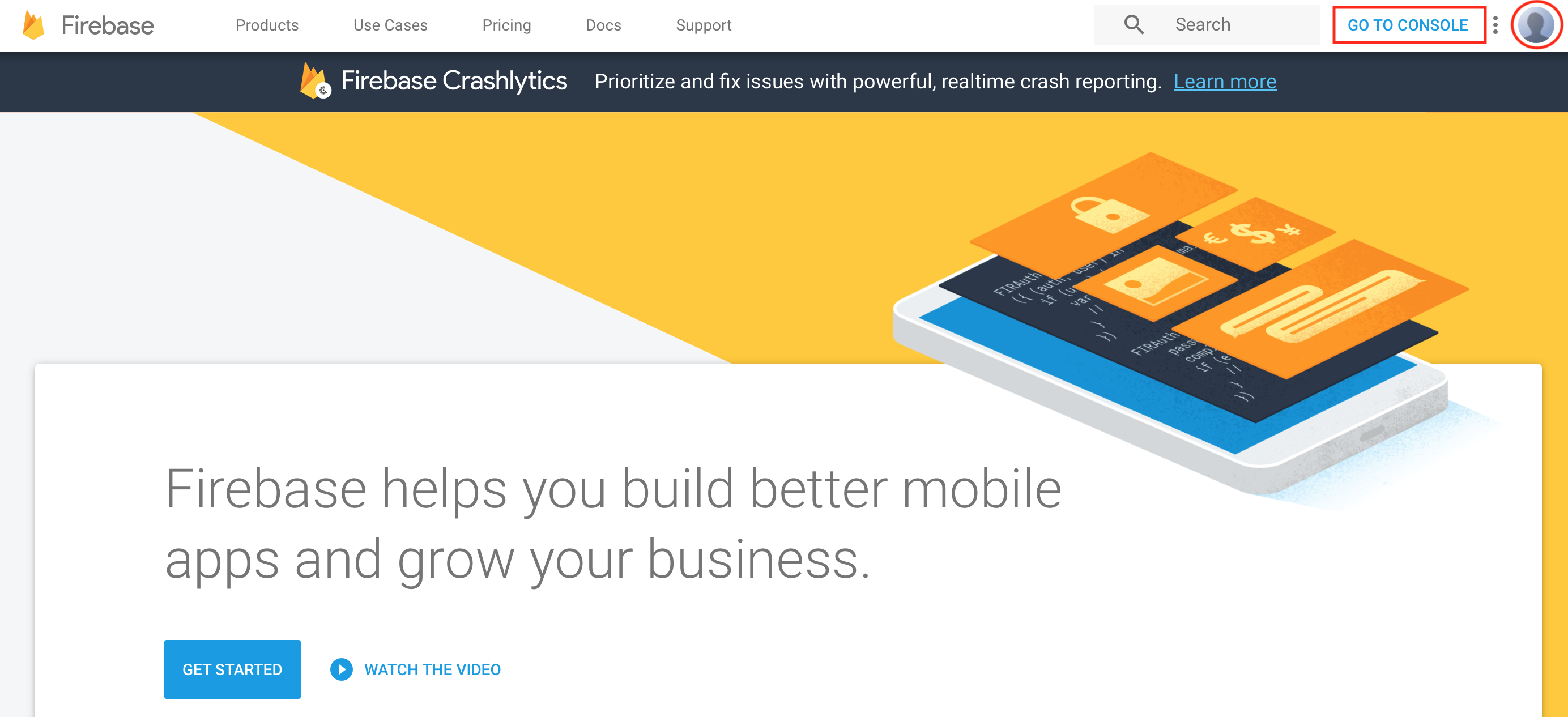
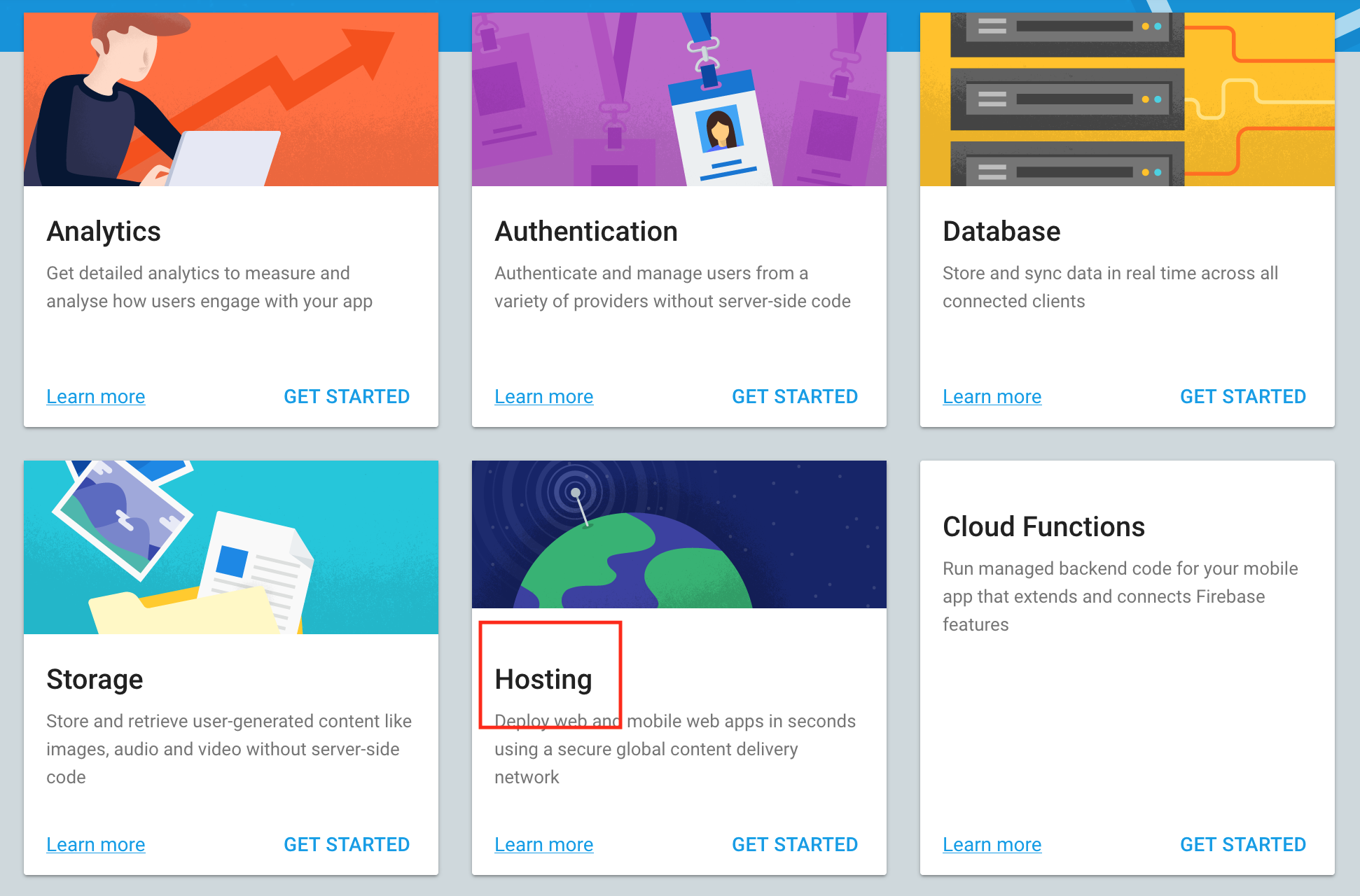
STEP-2: Select the Hosting option as shown in the following image
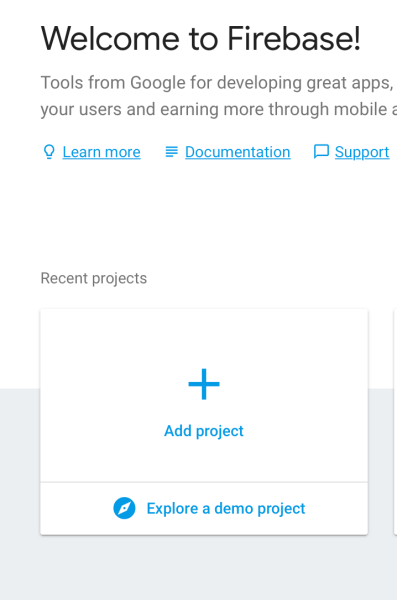
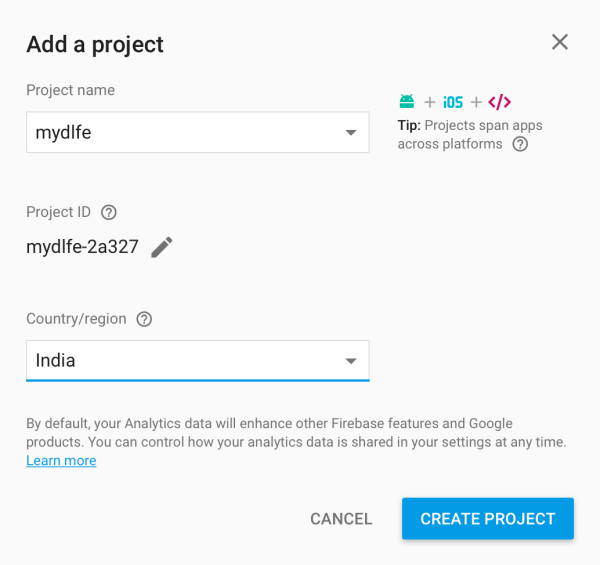
STEP-3: Create Project
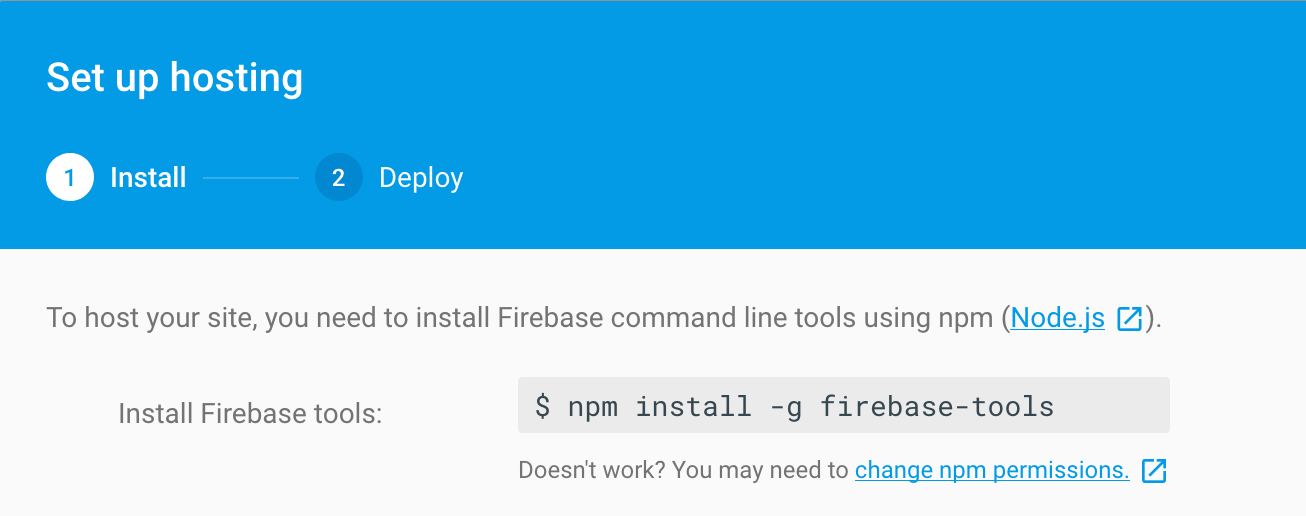
STEP-4: Now from command line, go to the angular app and install the required packages
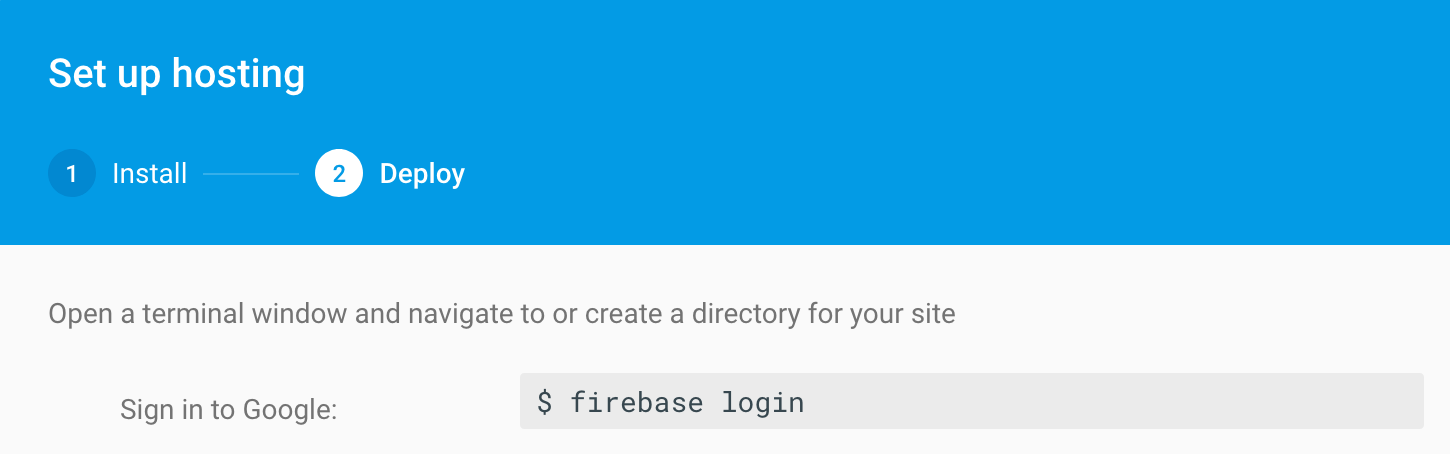
STEP-5: Now login to firebase using the command line as shown in the following image
STEP-6: Initialise firebase in the project

STEP-7:Now setup the project with following options
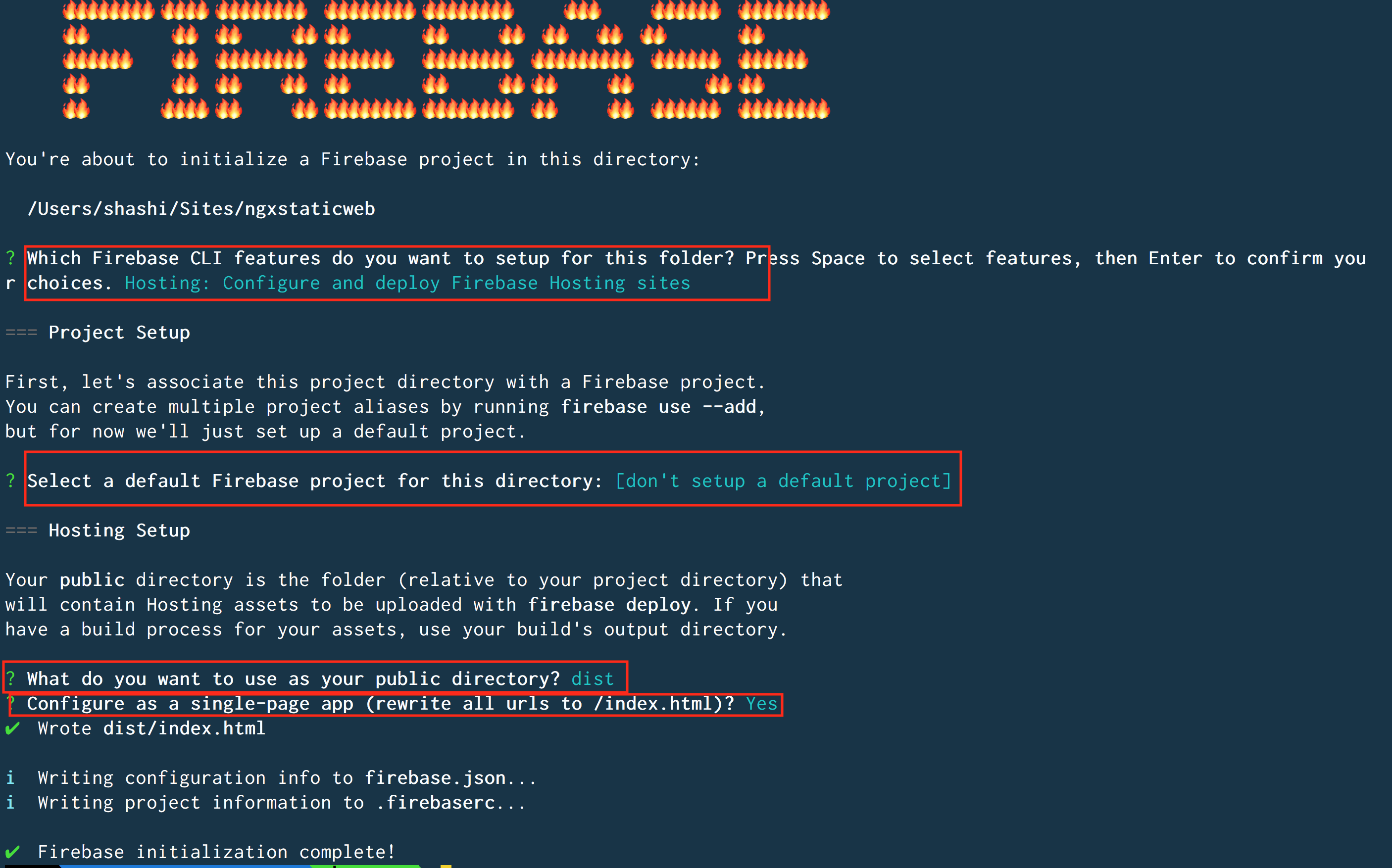
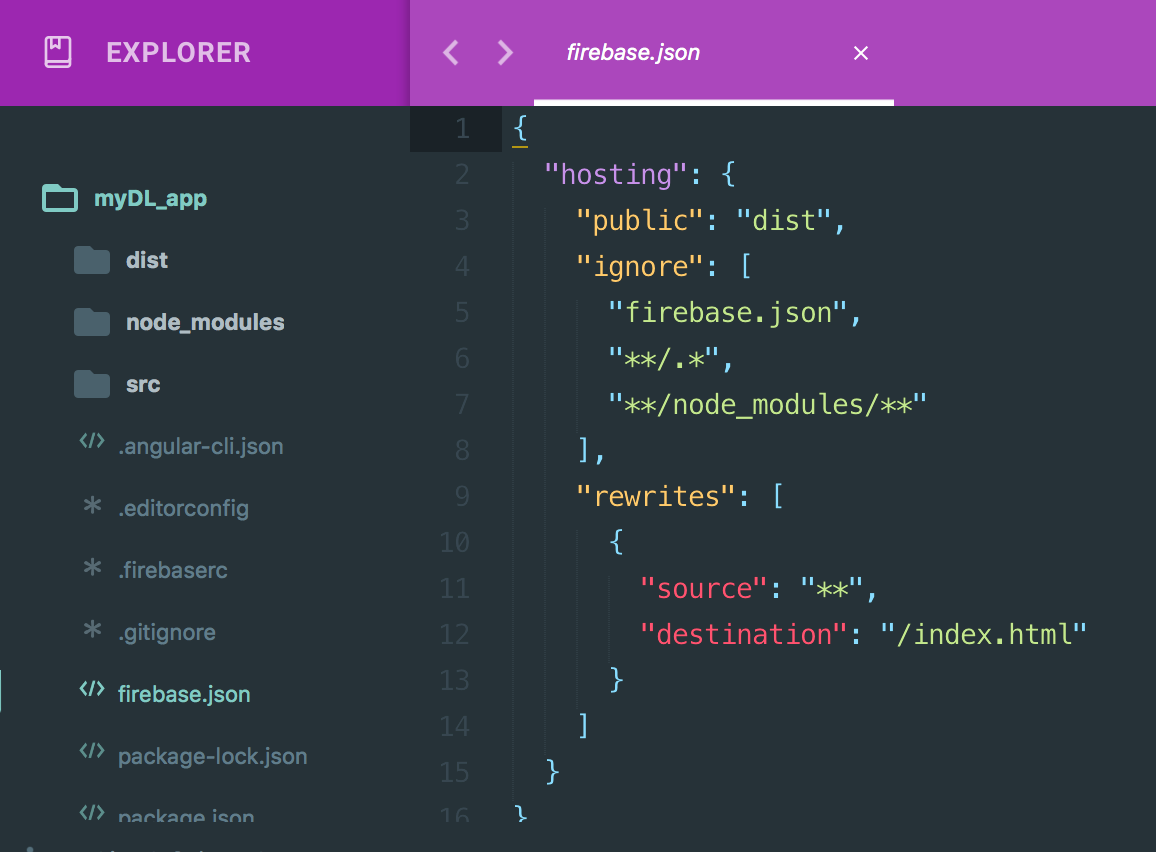
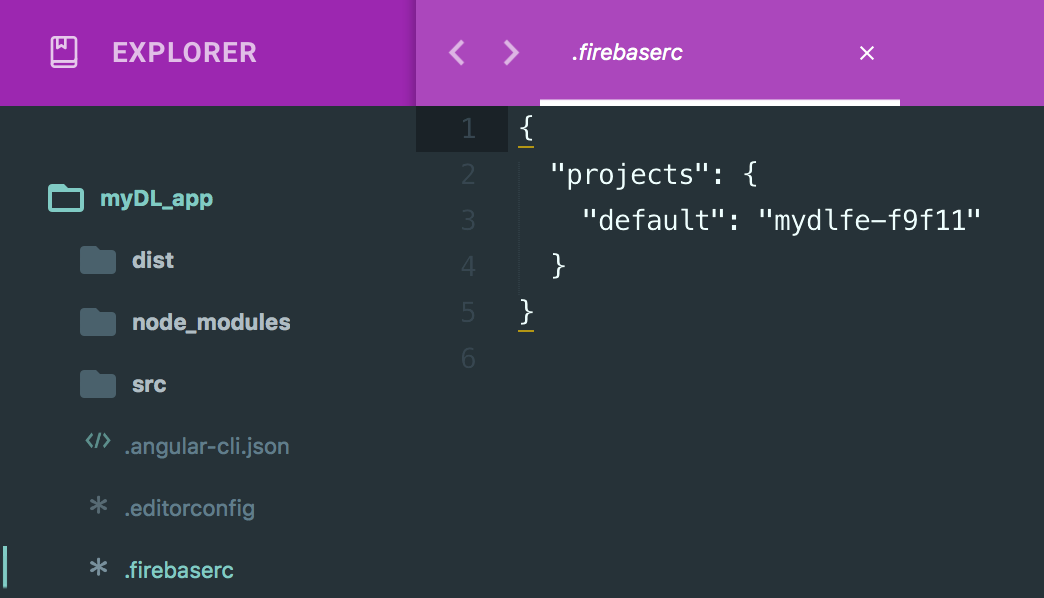
STEP-8:Creates the following files
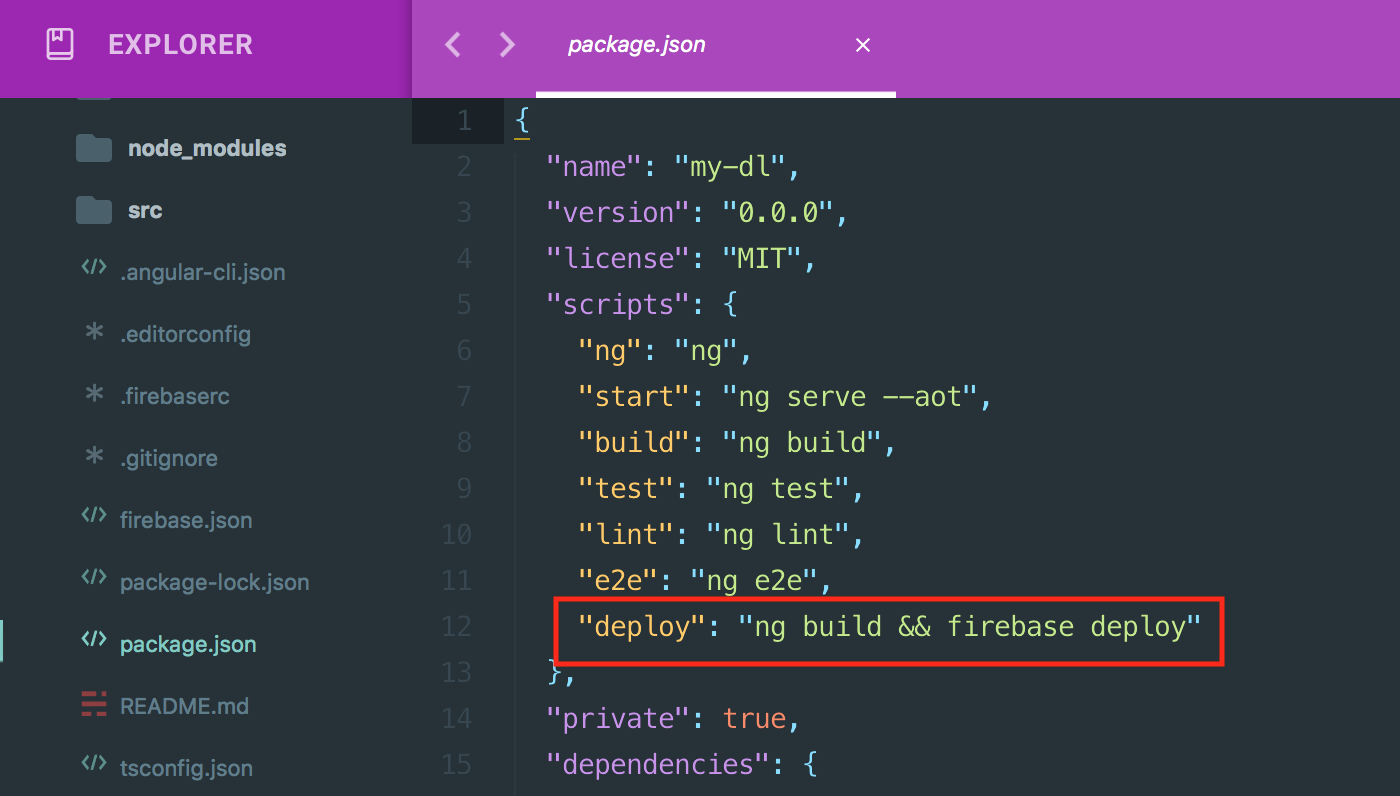
STEP-9: Add the deploy script